A good mapping app up against strong competition
HERE WeGo (formerly known as HERE Maps and Nokia HERE) is a solid alternative to both Apple and Google Maps. Here offers a nice blend of mapping, exploration and navigation features that will satisfy most users.
On par with the competition
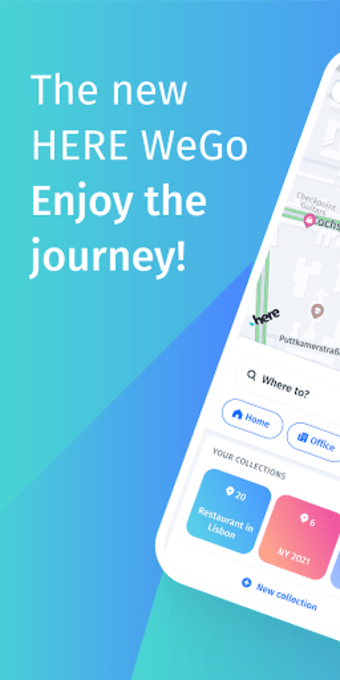
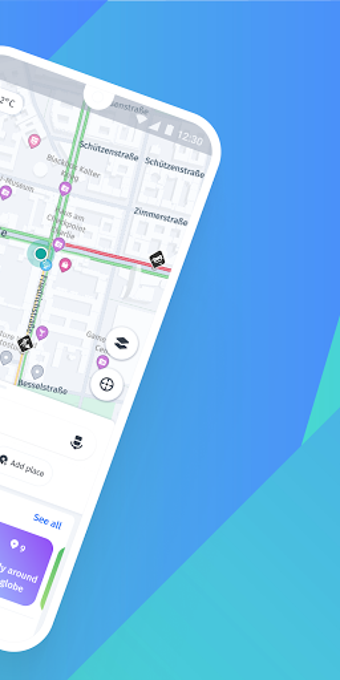
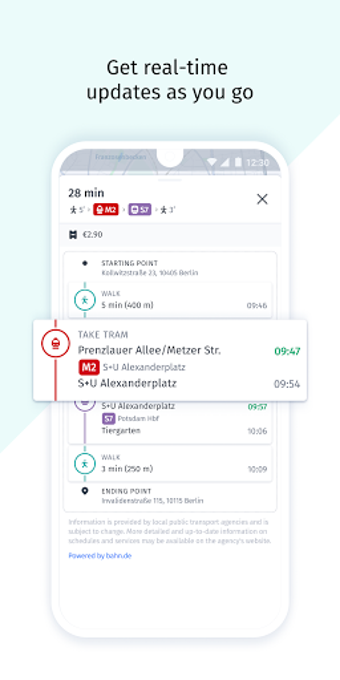
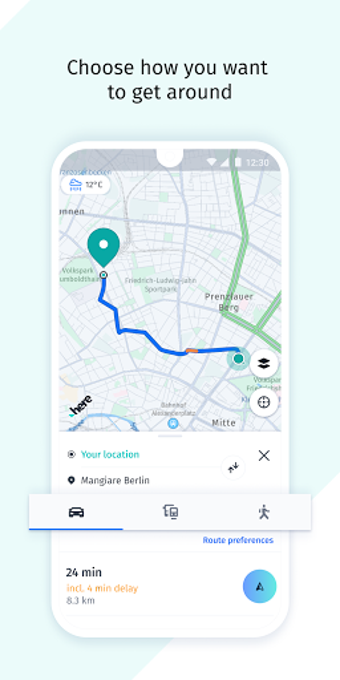
HERE WeGo doesn't offer anything dramatically different from its main rivals. There are multiple views for maps including sattlilte, traffic and transit. For navigation, you have the choice of car, public transit and walking.
You can also look up things to do in the area by tapping on the search button. However, the results are limited and pale in comparison to services like Google Maps and Yelp.
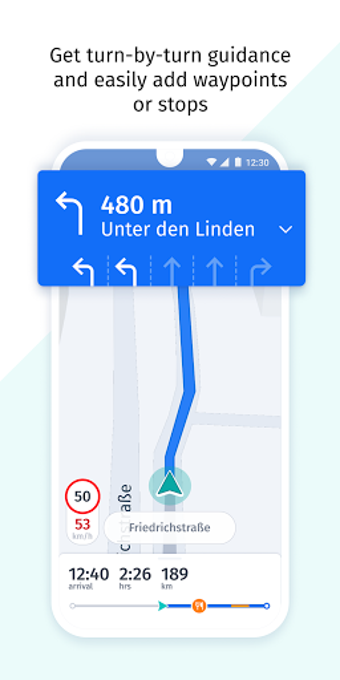
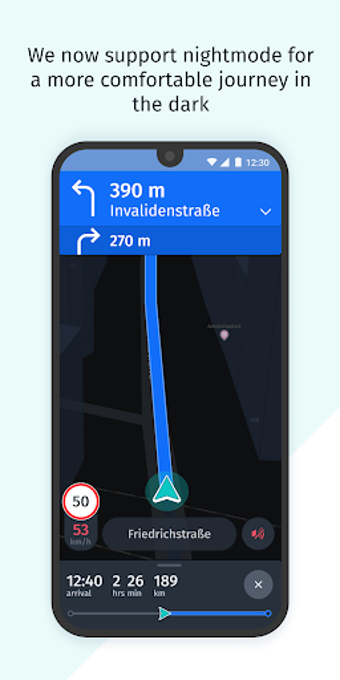
One of my favorite features of Here is its navigation guidance. Its interface is easy to understand from glancing and its buttons are large, making it easy to tap while in the car. It almost feels like Waze, which is a great choice for users who just want navigation.
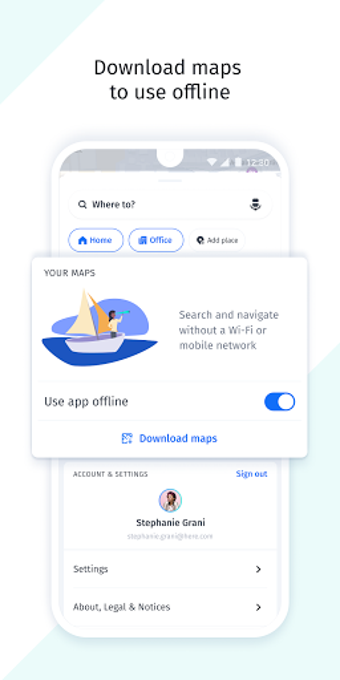
For users with a spotty data connection, you can download maps for offline use. You'll need to sign up for an account but you'll unlock features such as synced favorites and the ability to download different voices.
Designed with Windows in mind
HERE WeGo was designed with Windows 8 and Windows Phone in mind. If you use the app on a platform other than those two, it'll likely look completely different from other apps on your phone. For example, the Android version doesn't use the platform's unified Material Design language.
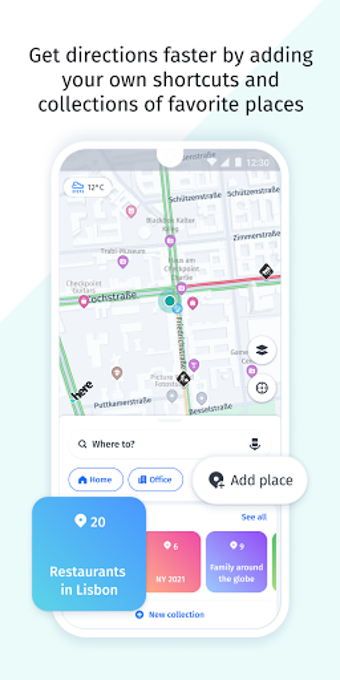
On the mobile apps, Here is separated into two sections: one for maps and one for driving. This makes it easy to focus on what you want to do. The driving mode is easy to use and includes your favorite places and history.
The experience is also completely different on a Windows 8 tablet from its mobile counterparts. The interface of HERE WeGo borrows heavily from Microsoft's snap feature. The app keeps the screen split in two, giving you search resultson the left and a view of the map on the right.
While HERE WeGo is designed for Windows, it's still a solid mapping app on other platforms. I liked Here for its big, easy to read interface while driving. Its search results left a lot to be desired but it'll work well for looking up where you're going. Just don't use it to explore the area around you. Yelp and Google Maps are still better at that.
Good for Windows users, mediocre for others
If you're a Windows user, you'll like HERE WeGo. It's better than the included Bing Maps. For Android users, Google Maps still offers a better experience and more features.

















.webp)